Six free vacation schedule templates in Word and Excel. Four are for tracking staff leave: who has requested what, what has been approved, and whether the team is still covered. Two are for planning the trip itself. They solve different problems, so they are listed separately below.
Free vacation schedule templates
Click any template to download it. No account, no email address, no watermark.
Tracking staff leave
For managers and HR: requests, approvals and coverage across a team.
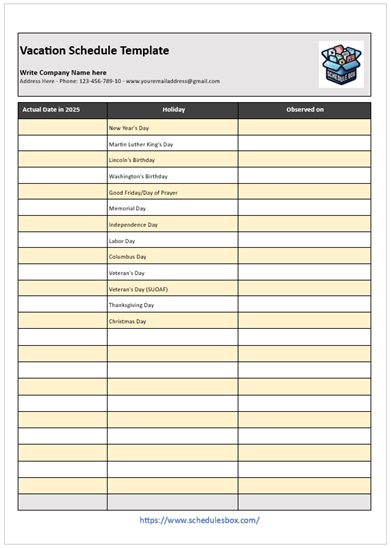
Vacation Schedule Template – Basic Plan
Names down the side, dates across the top, leave blocked in. The simplest view of who is away when, and the one to start with for a small team.
- File type: MS Word (ZIP)
- File size: 63 KB
- Best for: small teams

Official Vacation Schedule Template
The formal version, with requested dates, approver and sign-off on the same sheet. Use it where leave has to be authorised in writing rather than agreed in passing.
- File type: MS Word (ZIP)
- File size: 64 KB
- Best for: formal approval processes

Vacation Schedule Template – Employee Record
One sheet per person rather than one per team, tracking entitlement, days taken and the balance remaining. This is the record you need at year end, not the one on the wall.
- File type: MS Word (ZIP)
- File size: 68 KB
- Best for: individual leave records
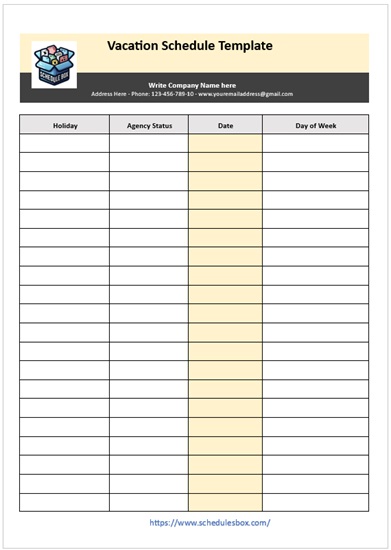
Vacation Schedule Template – Agency Plan
Built for coordinating leave across departments or client accounts, where the question is not only who is off but whether anyone is left who can cover their work.
- File type: MS Word (ZIP)
- File size: 63 KB
- Best for: multi-team coordination
Planning the trip itself
For travellers: what happens on the days you are away.
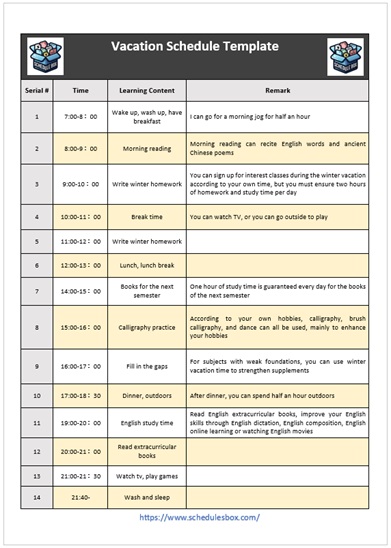
Vacation Schedule Template – Student Plan
Lays out a school break day by day, mixing study, activities and rest so a long holiday keeps some shape without being timetabled into the ground.
- File type: MS Word (ZIP)
- File size: 61 KB
- Best for: school and summer breaks
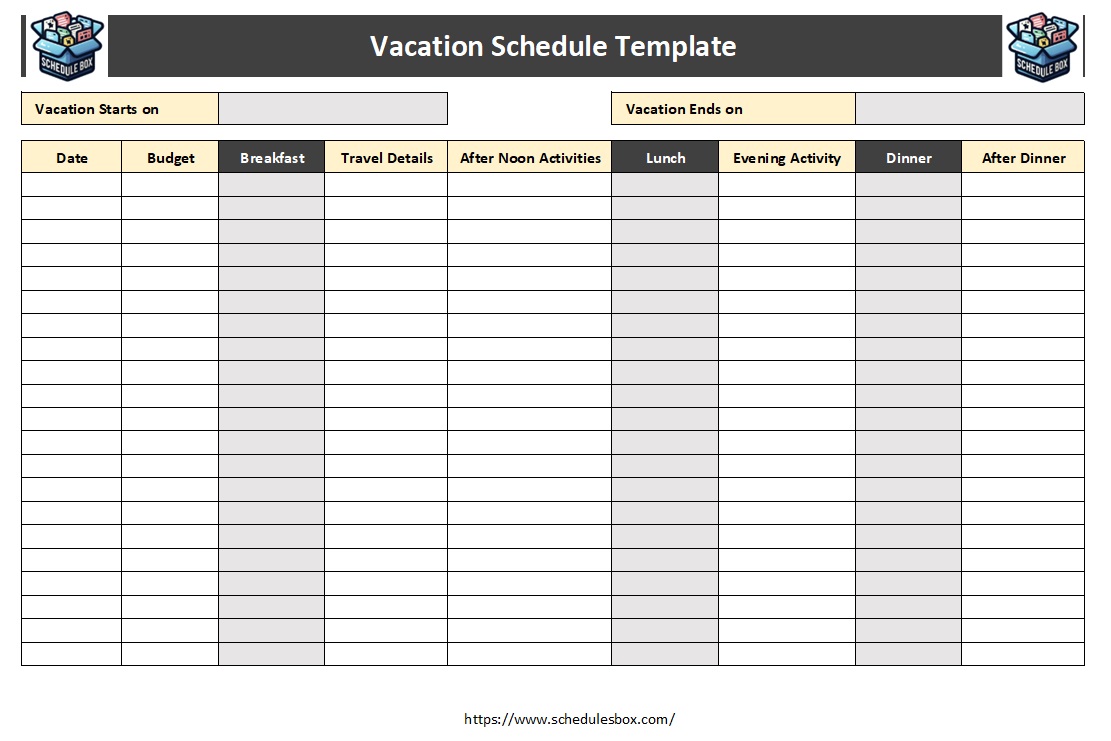
Vacation Schedule Template – Meal Plan
Meals mapped across the days of a trip, which is what turns a self-catering week into one shopping list instead of a daily argument. Excel, so quantities add up.
- File type: MS Excel (ZIP)
- File size: 53 KB
- Best for: self-catering trips
Which vacation template should you pick?
| What you need | Use |
|---|---|
| A simple view of who is off when | Basic Plan |
| Written requests and approvals | Official Vacation Schedule |
| Entitlement, days taken and balance | Employee Record |
| Leave across several teams | Agency Plan |
| A school break planned day by day | Student Plan |
| Meals across a self-catering trip | Meal Plan |
| Public holidays and office closures | A holiday schedule template, which covers dates everyone is off rather than individual leave |
Most teams end up running two: a wall chart everyone can see, and a per-person record for the actual entitlement figures. Keeping those separate matters, because the chart gets amended constantly and the record needs to stay accurate. If you also need to know who is working rather than who is away, that is a staff schedule template.
How to run a vacation schedule
- Unzip the file and open it in Word or Excel. Google Docs, Google Sheets, LibreOffice and Apple Pages all open these.
- Mark the dates nobody can take off before anyone requests anything: your busy season, month end, audits, launches. Publishing those first prevents refusals that feel arbitrary.
- Decide how clashes are settled and write the rule down. First come first served, seniority, or rotation each work; what causes resentment is deciding case by case after the requests arrive.
- Record the date each request was made, not just the dates requested. If you are operating first come first served, that column is the entire basis of the decision.
- Set a maximum number of people off at once per team, and show it on the chart. It is easier to decline a fifth request against a stated limit than against a judgement call.
- Keep the approved version in one place that everyone reads. Most leave disputes are two people working from different copies of the same chart.
- Check your own obligations on leave entitlement, carry-over and notice before setting policy. These vary by country, and sometimes by state or by contract.
Common questions
What is the difference between a vacation schedule and a holiday schedule?
A vacation schedule tracks individual leave: who has booked time off and when. A holiday schedule covers dates the whole organization is closed, such as public holidays and shutdown periods. Most teams need both, since one determines coverage and the other determines opening.
Is this the same as annual leave or PTO?
Yes. “Vacation” is the usual term in the United States, “annual leave” or “holiday” in the UK and much of the Commonwealth, and “PTO” where paid time off is pooled rather than split into separate categories. The scheduling document is the same in each case; only the headings change.
How far ahead should staff book leave?
That depends on your sector and your own policy rather than any universal rule. Teams that need cover arranged generally ask for more notice than those that do not. Whatever you choose, state the notice period on the schedule itself so it is visible at the point people are making requests.
Should I use Word or Excel for leave tracking?
Word suits the chart you print and pin up. Excel suits the record you keep, because it can total days taken and subtract them from an entitlement automatically. Once a team passes about ten people, the arithmetic is where the errors creep in, and that is the point to move the record into Excel.
Can I use these templates in my organization?
Yes. You can edit, print, brand and share them within your organization at no cost. You may not resell the template files or republish them as your own download library.

Pingback: Monthly Schedule Templates — Free Word & Excel Downloads