Six free weekly schedule templates in Word and Excel, covering a plain seven-day planner, class timetables, kids’ routines, cleaning rotas, appointment books and construction programmes. Every file is an editable document, not a picture, so you can rename a column or add a row before you print it.
Free weekly schedule templates
Click any template to download it. No account, no email address, no watermark.
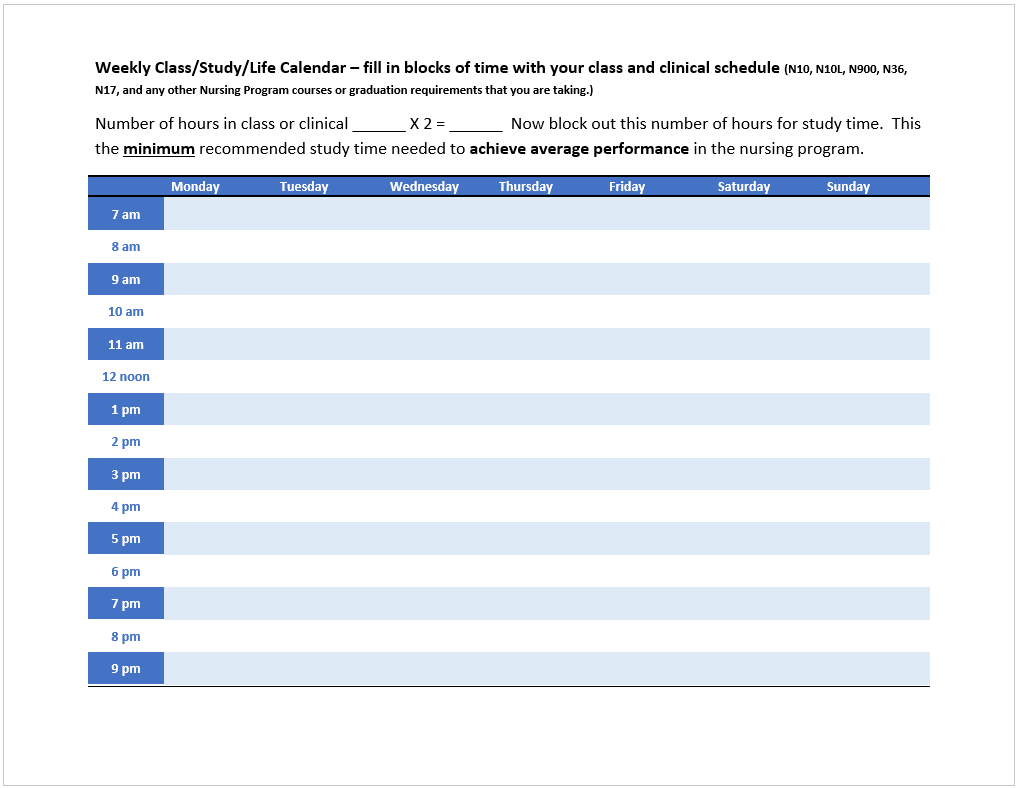
Weekly Schedule Template
The plain seven-day planner. Days run across the top and time periods down the side, with no labels tied to any particular use, so it suits work, study or home equally.
- File type: MS Word
- File size: 18 KB
- Best for: general week planning
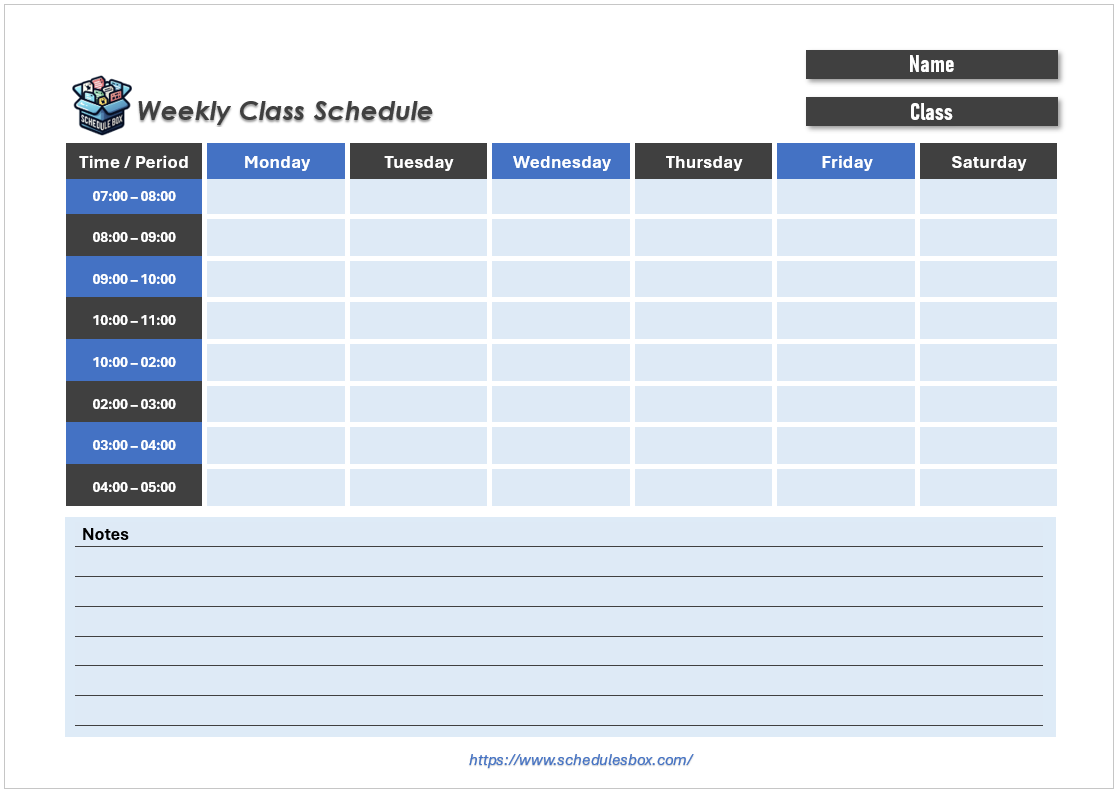
Weekly Schedule Template for Class
A five-day school week with period rows instead of clock hours, so you can enter subjects, room numbers and teacher names against each slot.
- File type: MS Word
- File size: 73 KB
- Best for: students and teachers
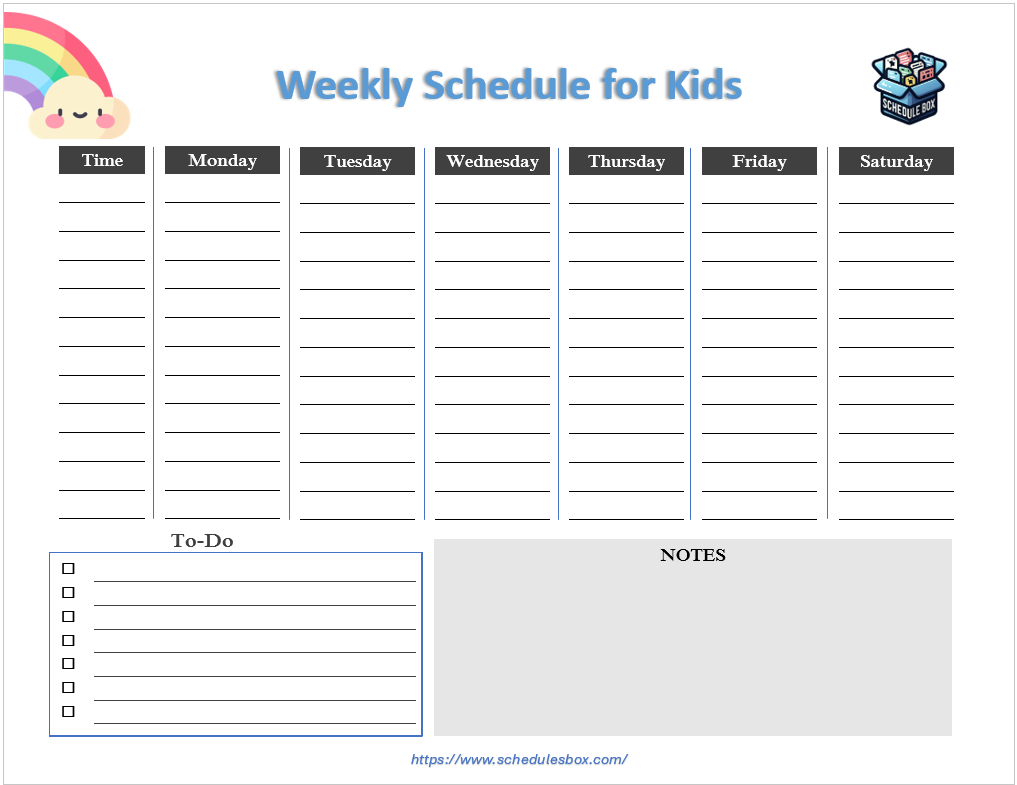
Weekly Schedule Template for Kids
Larger cells and fewer rows than the standard planner, sized for handwriting and for routines built around meals, homework, chores and bedtime rather than clock hours.
- File type: MS Word
- File size: 150 KB
- Best for: parents and primary classrooms
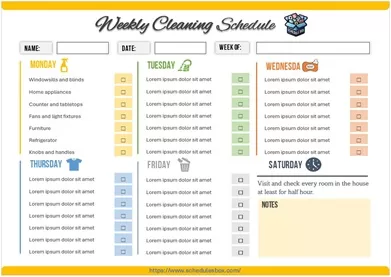
Weekly Cleaning Schedule Template
Tasks listed down the left and days across the top, so each job is assigned to one day of the week instead of piling into a single session.
- File type: MS Word
- File size: 148 KB
- Best for: homes, offices and rentals
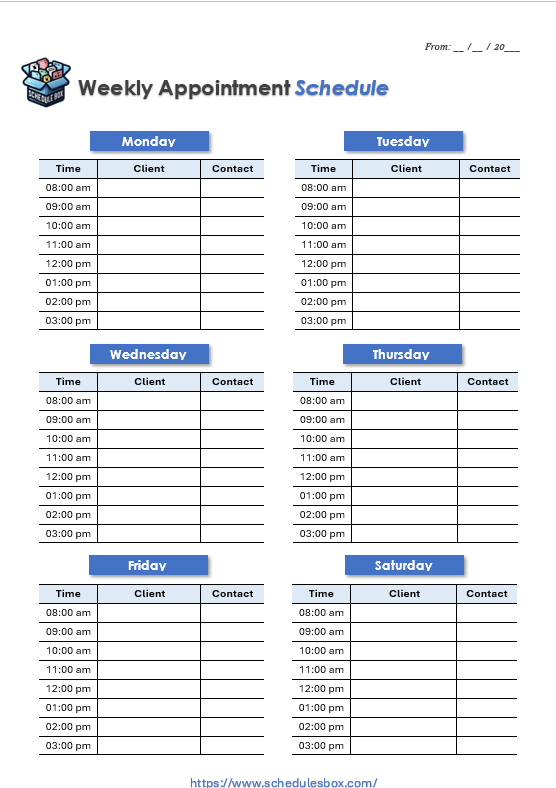
Weekly Appointment Schedule Template
Fixed time slots paired with space for a client name and contact detail, so a full week of bookings sits on one sheet at the front desk.
- File type: MS Word
- File size: 103 KB
- Best for: clinics, salons and tutors
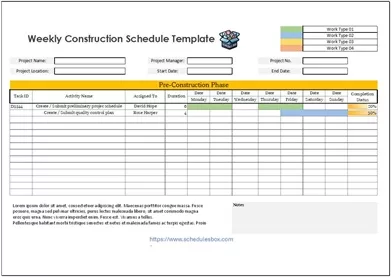
Weekly Construction Schedule Template
An Excel sheet listing work activities against the days of the week, with room to note trades, crew and materials so a site can plan the coming week.
- File type: MS Excel
- File size: 52 KB
- Best for: site managers and contractors
Which weekly layout should you pick?
The difference between these templates is not decoration, it is what sits in the left-hand column. That one choice decides whether the template works for you.
| If your week is organized by | Use |
|---|---|
| Clock hours, the same every day | The plain Weekly Schedule Template, or an hourly schedule template if you need finer slots |
| Numbered periods or lessons | Weekly Schedule Template for Class |
| Named routines rather than times | Weekly Schedule Template for Kids |
| A list of recurring jobs | Weekly Cleaning Schedule Template, or the wider cleaning schedule set |
| Bookings against time slots | Weekly Appointment Schedule Template |
| Work activities and crews | Weekly Construction Schedule Template |
Two practical notes. Word versions suit anything you will print and fill in by hand, because the table borders stay put. Excel versions suit anything you will keep updating on screen, because you can sort, filter and total the columns. If you are scheduling people rather than tasks, a staff schedule template puts names down the left instead of activities, which is usually the layout you actually want for shift work.
How to edit a weekly schedule template
- Unzip the downloaded file, then open the document inside it in Word or Excel. Google Docs, Google Sheets, LibreOffice and Apple Pages all open these too.
- Change the day headings first if your week does not start on Monday. Click into the header cell and type over it.
- Replace the time or task labels in the left-hand column. These are ordinary table cells, so you can retype them without disturbing the grid.
- Add or remove rows by right-clicking inside the table and choosing Insert or Delete. The borders adjust automatically.
- Check it fits one page before printing. In Word use File then Print to preview; in Excel use Page Layout and set Scaling to “Fit Sheet on One Page”.
- Save a blank copy under a different name. That way you keep an unfilled master to reuse each week.
Common questions
Are these weekly schedule templates really free?
Yes. There is no account to create, no email address to hand over and no watermark on the files. You can download all six and use them for personal, school or business purposes at no cost.
Can I edit them, or are they just printable?
They are editable documents. Each one is built as a real Word table or Excel sheet, so you can retype any cell, change the fonts and colors, add rows and columns, and insert your own logo. You can also simply print one and fill it in by hand if you prefer.
Why is the download a ZIP file?
The ZIP keeps the file size small. On a computer, double-click the downloaded file to extract the document inside. On a phone, you will need a file manager app that can open ZIP archives before the document will open in Word.
Can I start the week on Sunday instead of Monday?
Yes. The day names are typed into ordinary table header cells, so click into each one and retype it in whatever order your week runs.
What is the difference between a weekly and a monthly schedule?
A weekly schedule gives each day enough room to list specific tasks and times, which is what you want for planning actual work. A monthly schedule fits the whole month on one page but leaves only a small cell per day, so it suits tracking deadlines and recurring commitments rather than detailed daily planning.