Nine free hourly schedule templates in Word, splitting a single day into time blocks you can write against. Some are a bare time column, others pair the hours with a to-do list, a notes panel, client bookings or a record of what actually happened. All are editable documents, so you can set your own start and end times before printing.
Free hourly schedule templates
Click any template to download it. No account, no email address, no watermark.
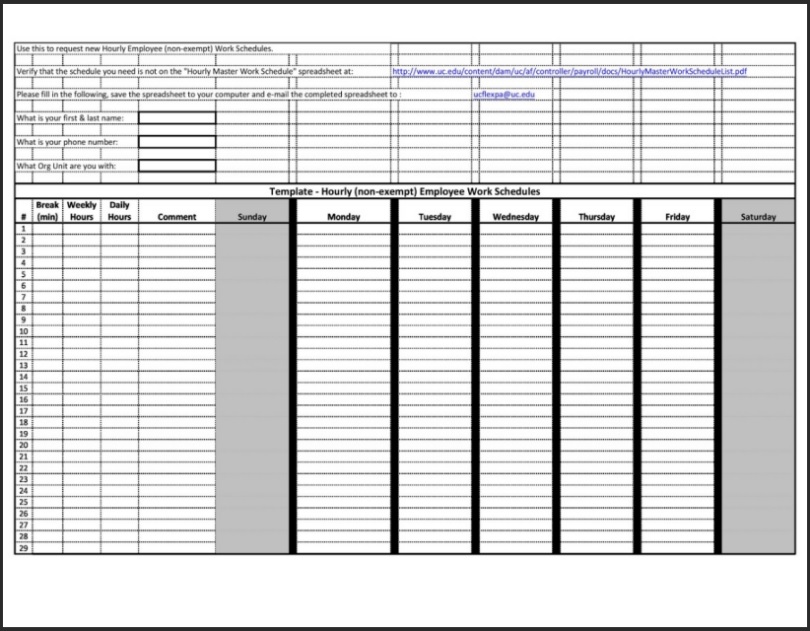
Printable Hourly Schedule Template
The simplest sheet here. A plain time column with blank rows beside it and nothing else competing for space, which is what you want if you are printing a stack to fill in by hand.
- File type: MS Word (ZIP)
- File size: 11 KB
- Best for: printing and handwriting
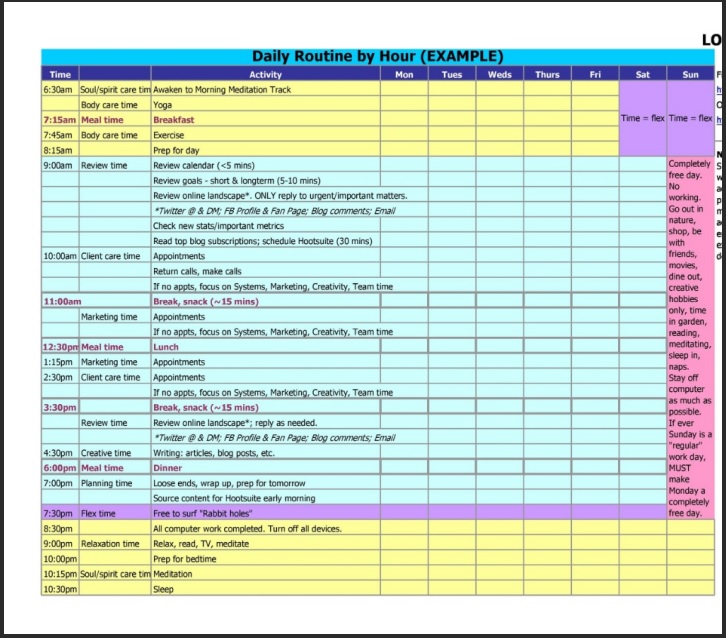
Daily Hourly Schedule Template
One day broken into hour rows from morning through evening. The standard layout most people mean by an hourly planner, with no extra panels attached.
- File type: MS Word (ZIP)
- File size: 13 KB
- Best for: everyday time blocking
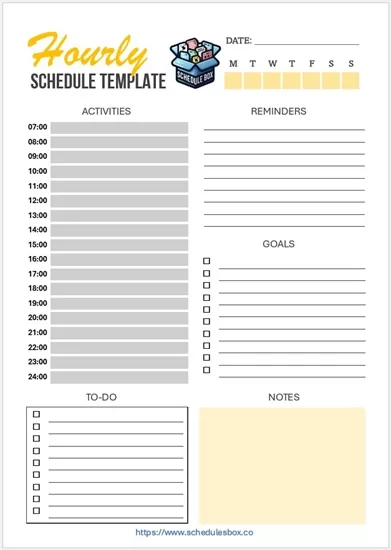
Hourly Schedule Template with To Do List
Pairs the hour rows with a task list down the side, so unscheduled jobs have somewhere to live instead of being forced into a time slot they do not need.
- File type: MS Word (ZIP)
- File size: 87 KB
- Best for: mixed timed and untimed work
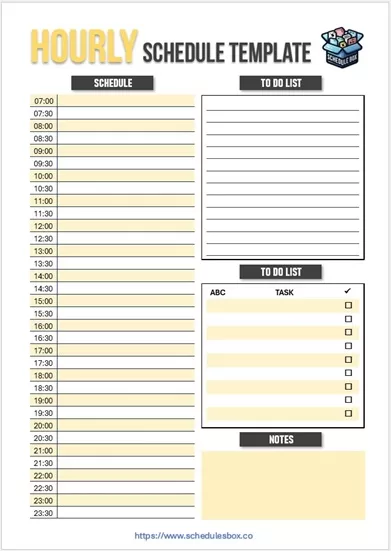
Hourly Schedule Template with To Do List and Notes
The fullest layout of the set: hour rows, a task list and a separate notes block, so the day’s plan, its loose ends and anything that came up all stay on one page.
- File type: MS Word (.docx)
- File size: 90 KB
- Best for: busy days with a lot of detail
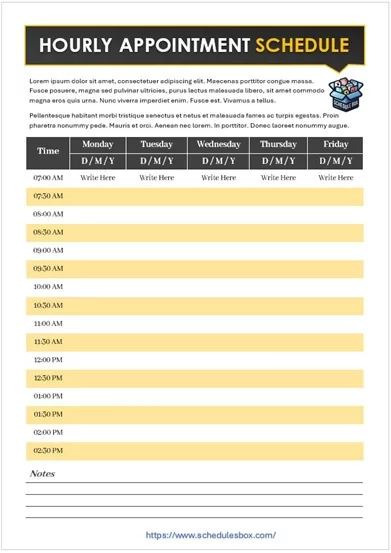
Hourly Appointment Schedule Template
Each hour paired with space for a client name and contact detail, so a day’s bookings sit on one sheet that can stay open at a reception desk.
- File type: MS Word (ZIP)
- File size: 88 KB
- Best for: clinics, salons and tutors
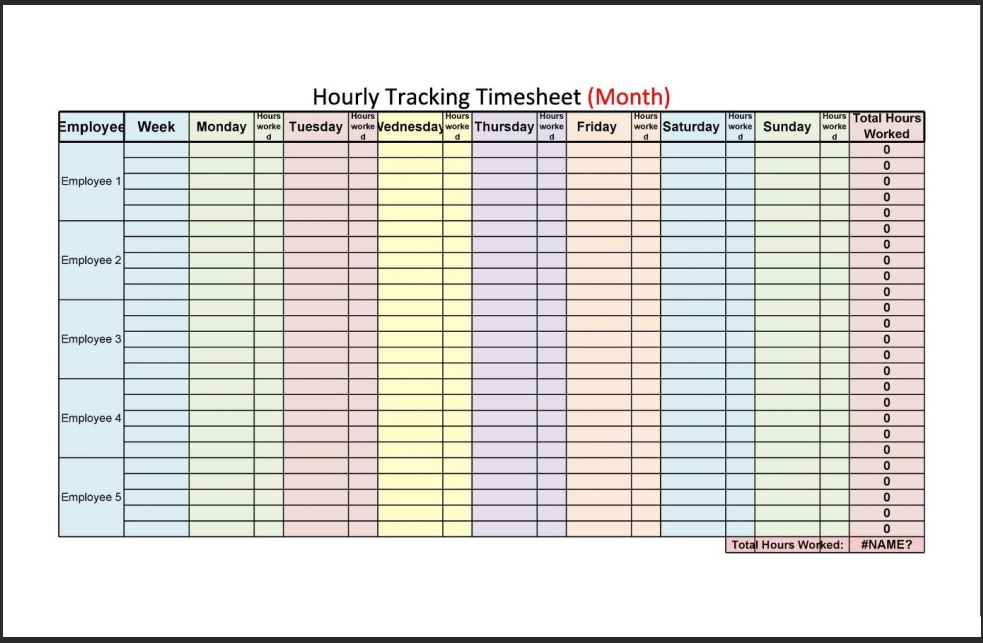
Hourly Tracking Schedule Template
Records what you actually did each hour rather than what you intended to do. Useful for billing clients, timesheets, or finding out where the day really went.
- File type: MS Word (ZIP)
- File size: 19 KB
- Best for: timesheets and billing
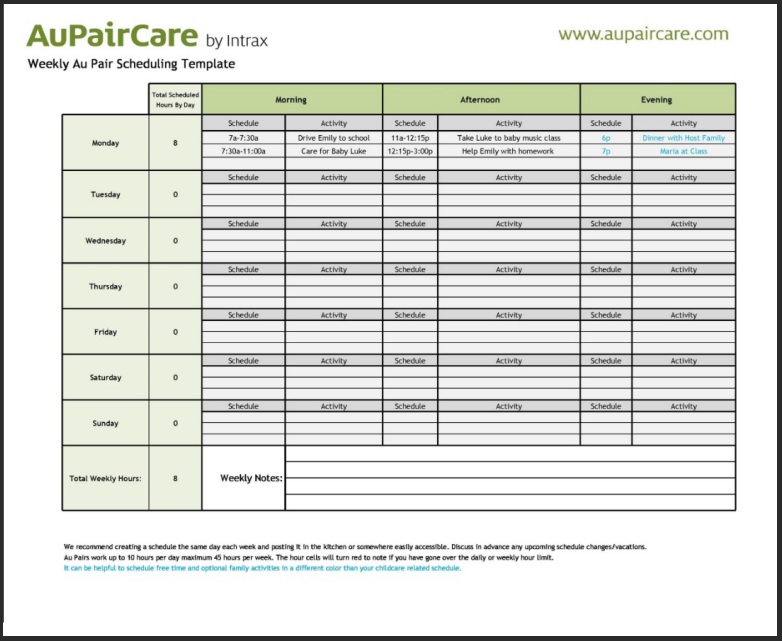
Productive Hourly Schedule Template
Adds a priorities block above the hour rows, so the two or three things that have to happen are set down before the day gets filled with everything else.
- File type: MS Word (ZIP)
- File size: 60 KB
- Best for: priority-led planning
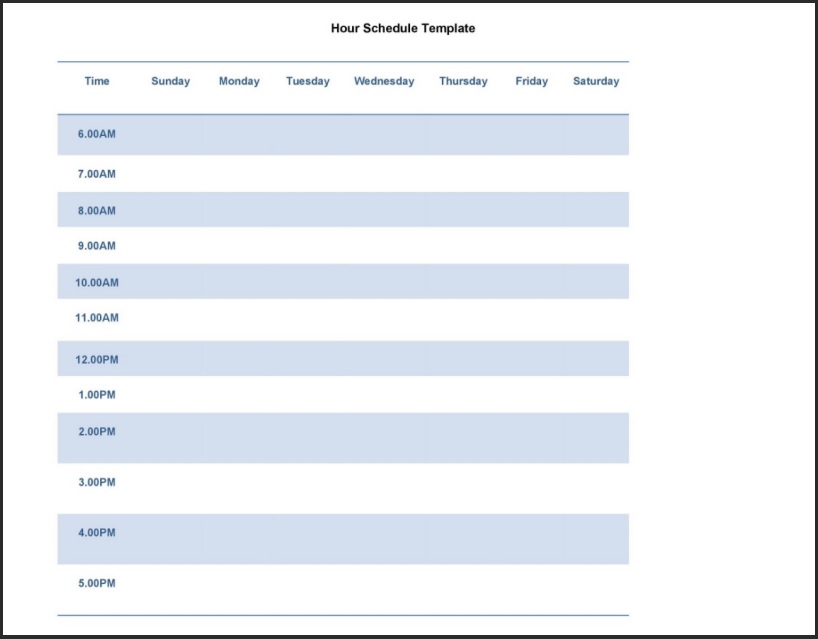
Hourly Management Schedule
Built for assigning hours to people rather than to yourself, with space to record who is covering each slot and what they are working on.
- File type: MS Word (ZIP)
- File size: 15 KB
- Best for: supervisors and team leads

Hourly Timetable Schedule
A timetable rather than a single-day planner, with hours down the side and days across the top, which suits a fixed routine that repeats every week.
- File type: MS Word (ZIP)
- File size: 6 KB
- Best for: classes and fixed routines
Which hourly layout should you pick?
These all share the same time column. What separates them is what sits next to it, and that is worth thinking about for a moment, because an extra panel you do not use just makes the rows shorter.
| Beside the hours you want | Use |
|---|---|
| Nothing at all | Printable Hourly Schedule Template or Daily Hourly Schedule Template |
| A task list | Hourly Schedule Template with To Do List |
| A task list and a notes panel | Hourly Schedule Template with To Do List and Notes |
| Top priorities for the day | Productive Hourly Schedule Template |
| Client names and contacts | Hourly Appointment Schedule Template, or the full appointment schedule set |
| A record of what actually happened | Hourly Tracking Schedule Template |
| Staff covering each slot | Hourly Management Schedule, or more staff schedules |
| The same hours repeating all week | Hourly Timetable Schedule |
If an hour per row turns out to be more granularity than your day needs, a daily schedule template gives you the same page with fewer, larger rows. If you want the whole week in view instead of one day, use a weekly schedule template.
How to edit an hourly schedule template
- Unzip the downloaded file, then open the document inside it in Word. Google Docs, LibreOffice Writer and Apple Pages open these too.
- Change the first time cell to your real start time, then work down the column. Most of these begin around the start of a working day, which is rarely when anyone’s day actually begins.
- Delete the rows at the end you will never fill. Fewer rows means each remaining row is taller, which matters a great deal if you are writing in it by hand.
- To get half-hour slots, select a row, right-click, choose Insert then Rows Below, and retype the times as :30 values. Repeat down the column.
- Preview before printing with File then Print. If the table runs onto a second page, reduce the row height or trim rows rather than shrinking the font.
- Save an empty copy under a different name so you always have a clean master to print each morning.
Common questions
What is the difference between an hourly and a daily schedule template?
An hourly schedule gives one row to every hour, so the whole page is a time grid. A daily schedule covers the same day with fewer rows and usually adds sections for priorities, reminders or notes. Choose hourly when the timing itself is what you need to control.
Can I change these to 30-minute or 15-minute slots?
Yes. The times are typed into ordinary table cells, not generated by a formula, so you can insert extra rows and retype the times at whatever interval you need. Bear in mind that halving the interval doubles the rows, so you may need a second page.
Do these start at a fixed time of day?
Each file comes with a starting time already typed in, but it is only text in a cell. Click into it and retype it. If you work nights, the 24-hour layout in our daily schedule templates may suit you better than editing an office-hours grid.
Why is the download a ZIP file?
The ZIP keeps the file size small. On a computer, double-click the downloaded file to extract the document inside. On a phone, you will need a file manager app that can open ZIP archives before the document will open in Word.
Can I use these templates in my business?
Yes. You can edit, print and share them within your organization at no cost. You may not resell the template files or republish them as your own download library.

Pingback: Weekly Schedule Templates — Free Word & Excel Downloads