Six free amortization schedule templates showing how a loan is paid down over its term: what each payment is, how much goes to interest, how much to principal, and what is left owing. Three are Excel files that work the figures out for you. Three are Word files with the table already laid out for printing or filling in by hand.
Excel or Word? Only the Excel versions calculate. Enter the loan amount, interest rate and term, and the schedule fills itself in. The Word versions are formatted tables with no formulas, meant for printing a schedule or presenting figures you already have.
Free amortization schedule templates
Click any template to download it. No account, no email address, no watermark.
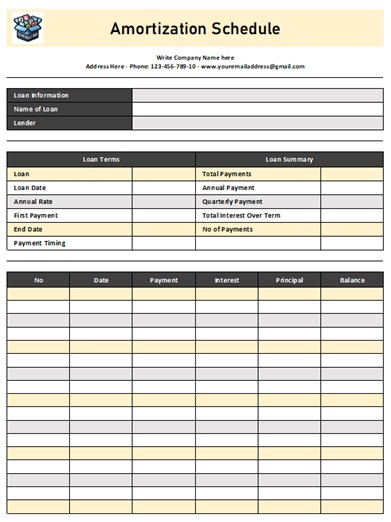
Basic Amortization Schedule Template
The plainest calculating version. Enter the loan amount, rate and term and the payment schedule builds itself. Small, quick and without extra columns to work around.
- File type: MS Excel (ZIP)
- File size: 9 KB
- Calculates: yes

Amortization Schedule Template – Cumulative Interest
Adds a running total of interest paid to date. That single column is the one most people are actually looking for, because it shows what the loan has cost so far rather than just this month.
- File type: MS Excel (ZIP)
- File size: 38 KB
- Calculates: yes
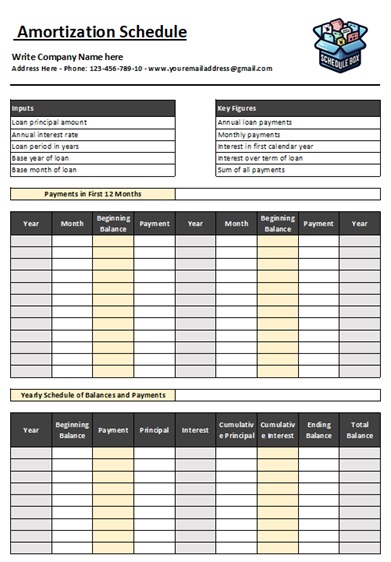
Yearly Amortization Schedule Template
Summarises by year instead of by month, so a thirty-year mortgage fits on one page. Use it when you want the shape of the loan rather than every individual payment.
- File type: MS Excel (ZIP)
- File size: 76 KB
- Calculates: yes
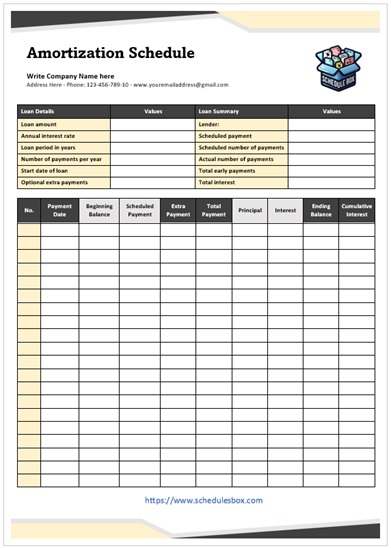
Professional Amortization Schedule Template
Formatted for a document that goes to someone else, with room for a header, lender and borrower details. A Word table, so the figures go in by hand or by paste.
- File type: MS Word (ZIP)
- File size: 104 KB
- Calculates: no
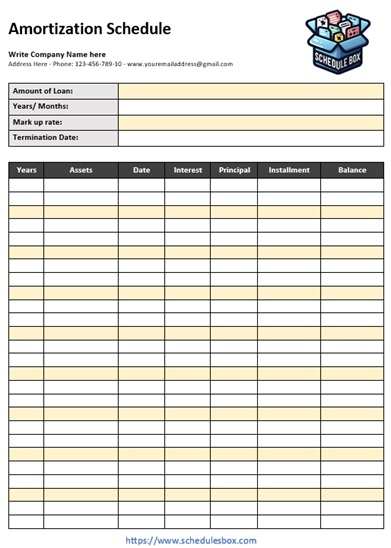
Amortization Schedule Template – Table View
A clean printable grid with the standard columns and nothing else, for pinning up or filing. The one to print if you want to tick payments off on paper.
- File type: MS Word (ZIP)
- File size: 118 KB
- Calculates: no
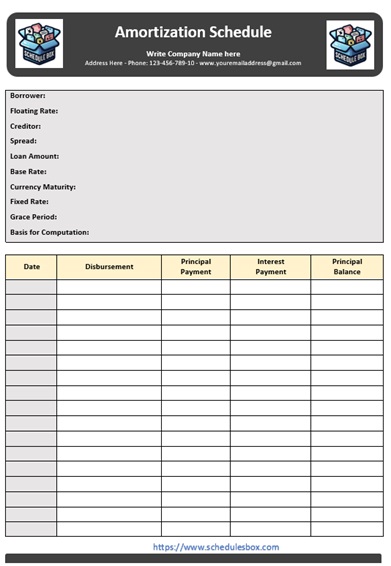
Grey Amortization Schedule Template
The same table with shaded alternating rows, which makes a long column of figures markedly easier to read across once it is printed in black and white.
- File type: MS Word (ZIP)
- File size: 77 KB
- Calculates: no
Which amortization template should you pick?
Answer one question first: do you need the figures worked out, or do you already have them? That decides between Excel and Word before anything else matters.
| What you need | Use |
|---|---|
| A schedule calculated from loan amount, rate and term | Basic Amortization Schedule Template |
| To see total interest paid so far | Cumulative Interest |
| A long mortgage summarised on one page | Yearly Amortization Schedule Template |
| A document to give a client or borrower | Professional Amortization Schedule Template |
| A plain grid to print and tick off | Table View |
| Easier reading across a long printed table | Grey Amortization Schedule Template |
A common approach is to use one of each: an Excel version to work out the numbers, then a Word version to present them. If what you are scheduling is a series of fees rather than a loan being paid down, a fee schedule template is the closer fit.
How to fill in an amortization schedule
- Unzip the file and open it in Excel or Word. Google Sheets, Google Docs and LibreOffice open these too, though complex spreadsheet formulas occasionally need checking after conversion.
- In the Excel versions, enter the loan amount, the annual interest rate, the term in years and the start date. The rest of the table fills itself in from those four figures.
- Enter the rate as the annual rate, not the monthly one, unless the sheet specifically asks for monthly. Dividing by twelve twice is the most common error people make with these.
- Check the first row against your loan paperwork before trusting the rest. If payment one matches your lender’s figure, the remaining rows almost certainly do too.
- To model overpayments, add the extra amount to the principal column for that month and let the balance carry forward. The reduction in total interest is usually larger than people expect.
- In the Word versions, paste or type the figures in. There are no formulas, so nothing recalculates if you change a number.
Common questions
What is an amortization schedule?
A table showing every payment across a loan’s life, splitting each one into interest and principal and tracking the balance left owing. Early payments are mostly interest, and the proportion shifts toward principal over the term. Seeing that shift laid out is usually why people look for one.
Will the Word templates calculate the payments for me?
No. Only the Excel versions have formulas. The Word templates are formatted tables for printing or for presenting figures you already have, whether from a lender’s statement or from one of the Excel versions here.
Does this work for a car loan or a personal loan, or only a mortgage?
Any loan repaid in regular equal instalments works the same way, so these suit mortgages, car finance, personal loans and most business loans. Interest-only and balloon arrangements do not fit the standard table, because the balance does not reduce in the usual pattern.
Why does my schedule differ slightly from my lender’s?
Small differences are normal. Lenders vary in how they count days in a period, when they compound, how they round, and whether fees or insurance are folded into the payment. Treat a template as a planning and estimating tool; the schedule your lender issues is the one that governs your actual loan.
Can I use these templates in my business?
Yes. You can edit, print, brand and share them within your organization at no cost. You may not resell the template files or republish them as your own download library.

Pingback: Fee Schedule Templates — Free Printable Word Files